Written By:- MANISHA SHARMA
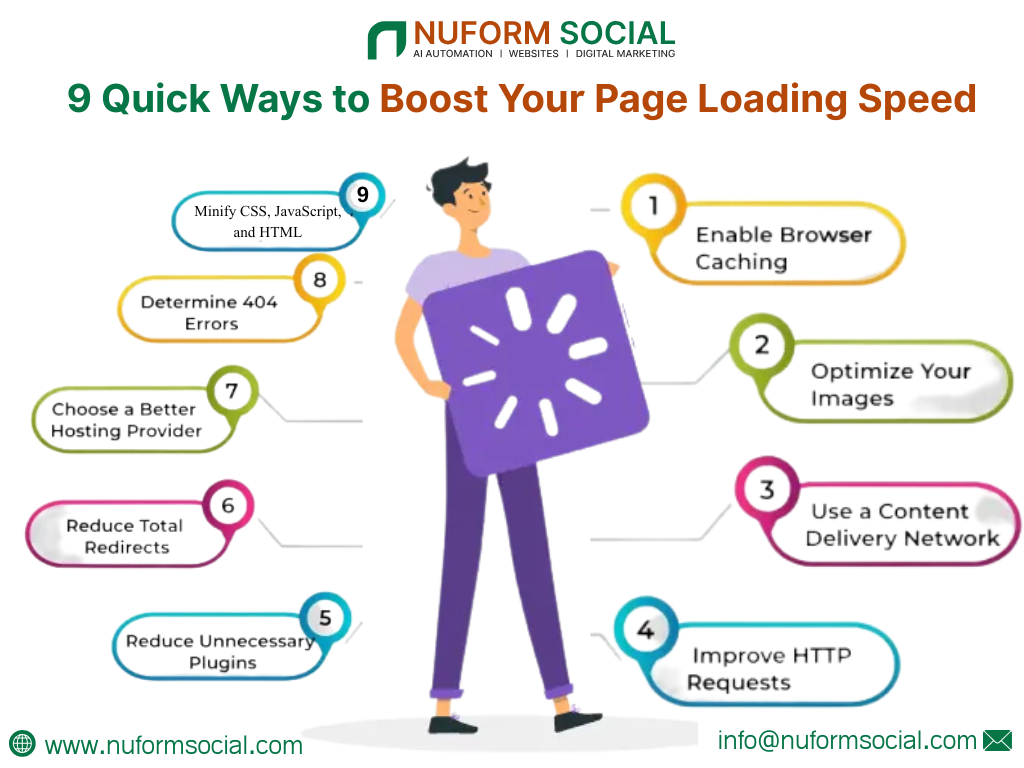
9 Quick Ways to Boost Your Page Loading Speed
Why Page Loading Speed Optimization Matters
Imagine you walk into a store and the doors open after 10 seconds. You’d probably leave, right?
That’s what happens when your website loads slowly, people click away.
In the digital world, Page Loading Speed Optimization isn’t just a technical fix; it’s a business necessity. Studies show that a one-second delay can drop conversions by 7%. Slow pages don’t just frustrate users, they push you down in search rankings.
Let’s explore 9 quick and practical ways to improve your website’s loading speed so you can deliver a seamless, lightning-fast experience for every visitor.
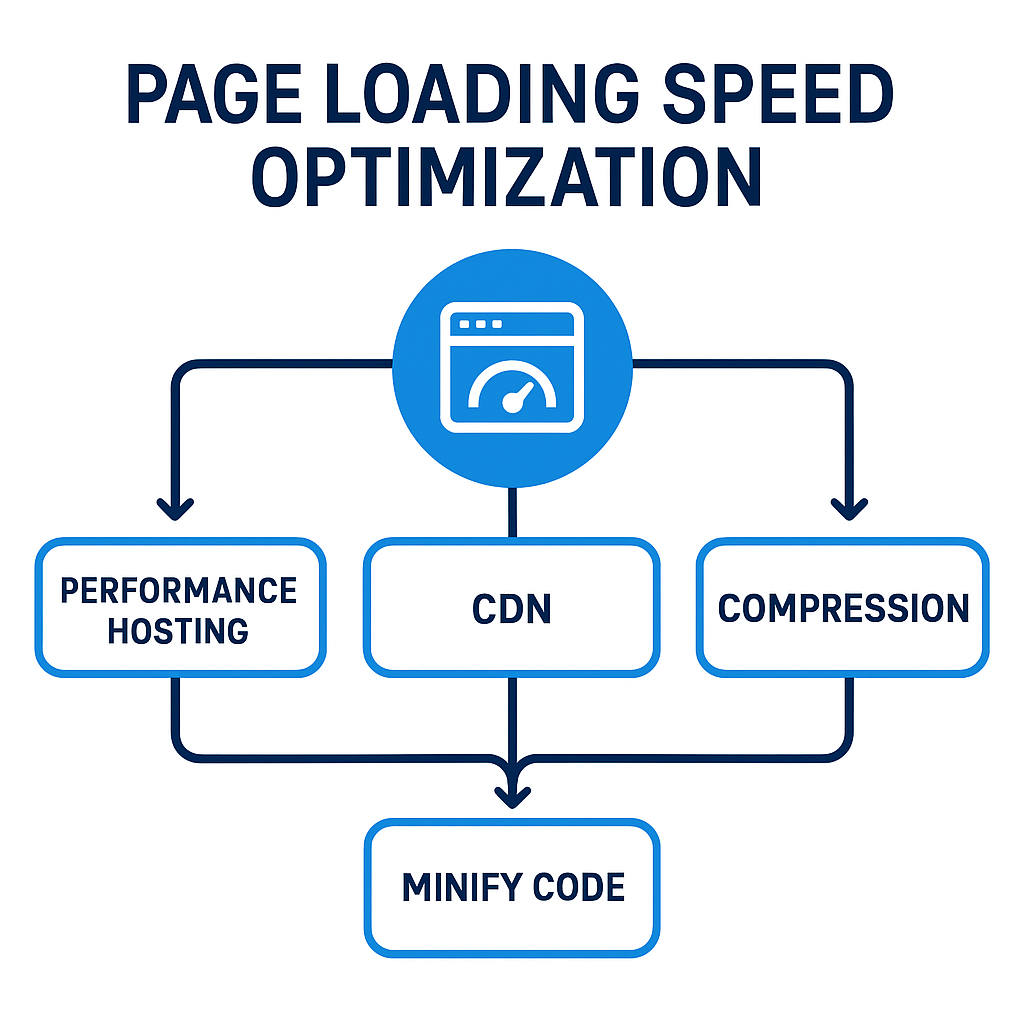
1. Choose a Performance-Optimized Hosting Solution
Your hosting provider is the foundation of your website’s performance. If your server is slow, no optimization can compensate.
- Pick a reliable host: Managed hosting providers like SiteGround, Kinsta or WP Engine specialize in speed.
- Avoid overcrowded shared servers: They slow down during traffic spikes.
- Check server response time (TTFB): Aim for under 200ms.
Good hosting is like a powerful engine, the faster it runs, the smoother your entire website performs.
2. Compress and Optimize Your Images
Images make up about 50–60% of your page size. That means optimizing them can have an enormous impact on. Page Loading Speed Optimization.
Here’s how to do it:
- Use modern formats like WebP or AVIF instead of PNG or JPG.
- Compress images using TinyPNG, ImageOptim, or ShortPixel without losing clarity.
- Apply lazy loading so images load only when users scroll to them.
Think of it like packing for travel, lighter bags mean faster movement.
3. Minify and Combine CSS, JavaScript & HTML
Behind every webpage is code and often, it’s bulkier than necessary.
By removing extra spaces, line breaks, and comments (a process called minification), you can speed things up dramatically.
- Tools like: UglifyJS (for JavaScript) and CSSNano (for CSS).
- Combine files to reduce HTTP requests.
- Plugins: WP Rocket, Autoptimize, or Fast Velocity Minify for WordPress.
Every byte count, trimming your code is like streamlining your website’s diet for better health.
4. Enable Browser Caching and Server Caching
Caching is like saving your favourite playlist offline, it loads instantly next time.
When a user visits your site, parts of it (like logos or CSS files) are stored locally on their browser. The next visit? It’s lightning fast.
Steps for Page Loading Speed Optimization through caching:
- Add expiry headers via .htaccess (for Apache) or configure caching on Nginx.
- Enable server caching systems like Redis, Varnish or LiteSpeed.
- Use plugins like WP Super Cache for easy setup.
Repeat visitors will thank you and Google will reward your improved load times.
5. Use a Content Delivery Network (CDN)
A Content Delivery Network (CDN) stores copies of your website across multiple servers around the world. When someone visits your site, the CDN serves it from the nearest location.
Benefits include:
- Global accessibility with faster delivery.
- Reduced server load during traffic spikes.
- Better security with DDoS protection.
Top CDN choices: Cloudflare, Akamai and Fastly.
According to Semrush’s analysis, websites using CDNs experience up to 40% faster loading times, a clear win for your optimization strategy.
6. Enable GZIP or Brotli Compression
Imagine sending a zipped folder instead of hundreds of loose papers — that’s what compression does for your website.
Both GZIP and Brotli compress your website files before sending them to the user’s browser, making pages load significantly faster.
How to enable it:
- Apache: Add compression rules in .htaccess.
- Nginx: Edit server config to include gzip on;.
- Verify compression: Use tools like GTmetrix or DebugBear.
This small change can reduce file sizes by up to 70%, giving your website a major performance lift.
7. Eliminate Render-Blocking Resources
When browsers encounter CSS or JavaScript files that prevent pages from displaying, your site feels sluggish.
To fix that:
- Load JavaScript asynchronously using the async or defer attribute.
- Inline critical CSS so above-the-fold content loads instantly.
- Audit your resources using Google Lighthouse or Semrush’s Site Audit tool.
Your goal is to show users something — anything — as fast as possible. First impressions matter.
8. Reduce Redirects & Remove Unused Third-Party Scripts
Every redirect adds milliseconds of waiting time. Too many, and users get stuck in a digital traffic jam.
For Page Loading Speed Optimization, you should:
- Avoid unnecessary redirect chains (like /A → /B → /C).
- Clean up unused plugins and tracking codes.
- Minimize third-party scripts such as analytics or chat widgets.
Your site will feel leaner, lighter, and more responsive — like a well-tuned race car.
Improving your page loading speed and optimizing pagination ensures a smoother, faster, and more user-friendly browsing experience.
9. Monitor, Test, and Maintain Your Page Loading Speed
Optimization isn’t a one-time task; it’s an ongoing routine.
Use these tools to keep your site performing its best:
- Google PageSpeed Insights for core web vitals.
- GTmetrix or Pingdom for performance scores.
- Semrush Site Audit for continuous monitoring.
Keep an eye on metrics like LCP (Largest Contentful Paint), CLS (Cumulative Layout Shift), and INP (Interaction to Next Paint). Regular testing ensures your hard work continues to pay off.
Bonus: Quick Wins for Long-Term Speed Success
If you’re short on time, start with these easy wins:
- Optimize images and enable compression.
- Minify CSS/JS and enable caching.
- Use a lightweight theme or framework.
Then, develop a long-term Page Loading Speed Optimization habit — audit monthly, fix bottlenecks, and adapt to new performance standards.
“Enhancing page loading speed is an essential part of modern Types of SEO Services, helping websites deliver faster performance and a better user experience.”
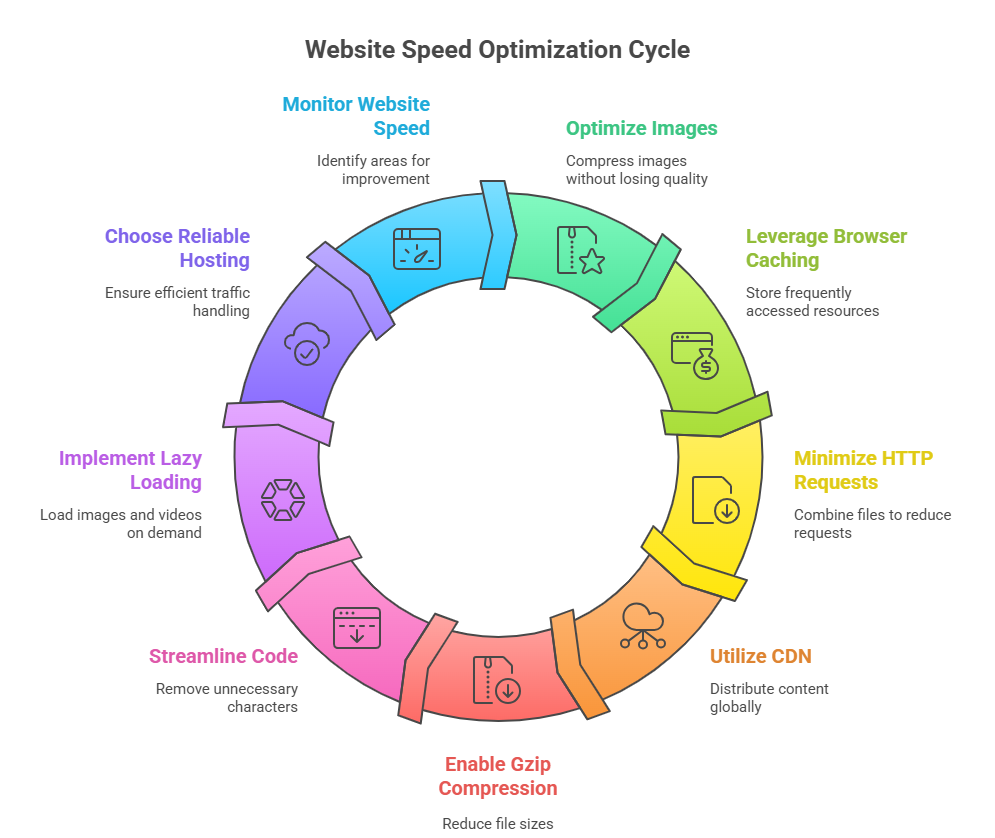
The Speed Advantage
Your website’s loading speed is your user’s first impression — and in today’s world, fast equals trustworthy.
Every millisecond you save means happier visitors, better SEO, and higher conversions.
So, start today: pick one or two of these 9 quick ways and put them into action.
Remember, a fast site doesn’t just attract visitors — it keeps them.
Speed isn’t a luxury anymore; it’s your competitive edge.
Supercharge Your Website’s Speed — Starting Today!
FAQs
1. What is page loading speed?
2. How to speed up page load speed?
3. Is page load time a KPI?
4. What is a good page loading speed benchma
5. How often should I test my website speed?
6. Does mobile speed affect rankings?
7. What’s more important: hosting or image optimization?
8. Which tools are best for testing website speed?

Manisha Sharma is an experienced content writer with over 1-2 years of expertise in crafting engaging, SEO-driven, and audience-focused content. Passionate about storytelling and travel, combines her love for exploring new places with her writing skills to create authentic and relatable narratives. From travel blogs to brand content, Manisha Sharma specializes in producing compelling copy that connects with readers and enhances brand presence across digital platforms.