Google Shares More Information on Googlebot Crawl Limits: What It Means for SEO in 2026
As the field of search engine optimization is constantly changing, so is the approach taken by search engines to crawl and index content. Recently, Google has shared more information on the limits of the Googlebot crawl. This gives website owners a better idea of the approach taken by the search engine to crawl the website. This is a crucial factor for the improvement of website visibility. In this comprehensive guide, we will discuss what the Googlebot crawl limits are, their importance, their impact on SEO performance, and the steps taken for the improvement of the website.
Understanding Googlebot and How Crawling Works
Googlebot is a robot or a web crawler used by Google to look for new web pages and update the information it has already gathered. The robot crawls the web by using links and analyzing the structure of the website and the information it holds.
After a webpage is crawled by the Googlebot robot, it performs a number of functions, including:
- Downloading the information on the webpage
- Analyzing the structure of the webpage
- Following the links on the webpage
- Forwardingthe webpage to the indexing system of Google
However, the Googlebot robot does not crawl the web endlessly. It has limitations or restrictions to ensure it works efficiently and does not slow servers.
What Are Googlebot Crawl Limits?
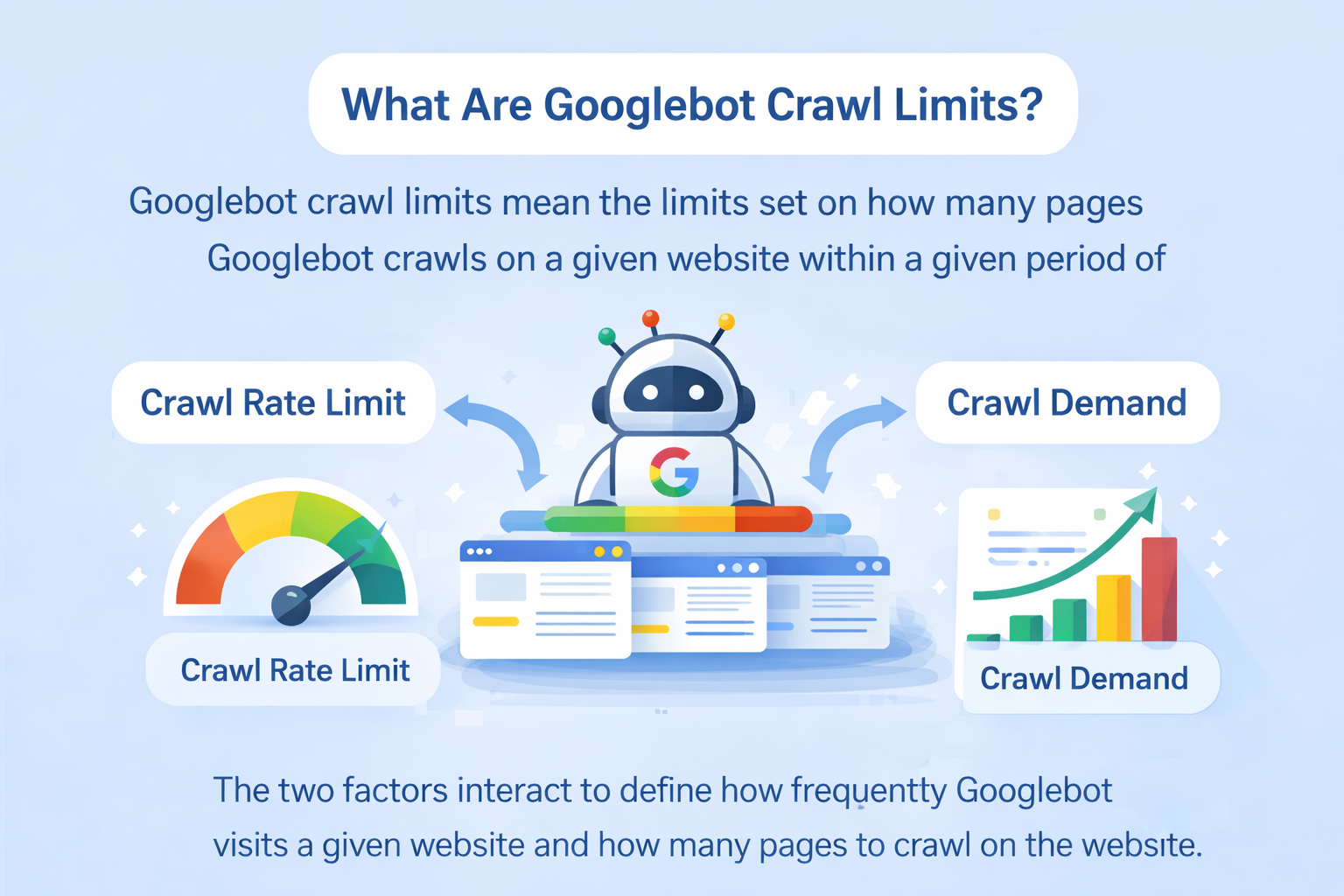
Googlebot crawl limits mean the limits set on how many pages Googlebot crawls on a given website within a given period of time.
According to Google, Googlebot crawl limits depend on two main factors:
- Crawl Rate Limit
- Crawl Demand
The two factors interact to define how frequently Googlebot visits a given website and how many pages to crawl on the website.
1. Crawl Rate Limit
The crawl rate limit sets how frequently Googlebot requests your server without overloading it.
Google sets this limit by itself to ensure that a given website remains stable and accessible. As soon as a website server starts slowing down and/or producing errors, Googlebot reduces its rate of crawling on the website.
Factors Affecting Crawl Rate
Various factors affect the crawl rate limit:
• Server performance
• Site response time
• HTTP errors (5xx errors)
• Server capacity
• Hosting infrastructure
Assume that your server works very fast and responds to requests without errors. This would mean Googlebot would increase its rate of crawling on your website. However, if your server works very slowly and/or produces errors frequently, Googlebot would reduce its rate of crawling on your website.
2. Crawl Demand
It refers to the demand that Google has for crawling that particular website. It depends on the popularity, updations, and importance of the information.
Factors that increase the demand for crawling a website:
- Frequently updated information on the website
- High authority of the website
- Trending information on the website
- Good internal linking on the website
- Demand for the information on the search result page
For instance, the crawl demand for news websites is extremely high because the information on the website is updated frequently, and users want to read the information that is updated.
Significance of Googlebot Crawl Limits for SEO
It is imperative that you understand the significance of crawl limits, as this will have a direct impact on the timely appearance of your website in the search engine results.
If you have a website with thousands of web pages, and the Googlebot has a certain limit to crawl on a daily basis, your web pages may not be crawled as early as you want.
This will impact:
- New contentvisibility
- Improvement in rankings
- Updates on the website
- Technical SEO performance
If your website is optimized for crawling, you can assist the Googlebot in locating the most valuable web pages on your website.
Common Crawl Budget Issues
While some small websites may not reach the crawl limits, large websites are likely to face crawl budget issues.
Some of the common crawl budget issues that cause waste of crawl resources are as follows:
1. Duplicate Content
Duplicate content on the site may cause confusion to the search engines, resulting in the waste of crawl resources.
Some of the issues that may cause the waste of crawl resources are as follows:
- Multiple URLs with the same content
- Parameter-based URLs
- Session IDs
Canonical tags may be implemented to solve these problems.
2. Broken Links
Some of the issues that may cause the waste of Googlebot crawl resources are as follows:
- Returning 404 errors
Auditing the site may be necessary to solve these problems.
3. Low-Quality Pages
Some of the issues that may cause the waste of crawl resources are as follows:
- Tag pages with low content
- Empty category pages
- AUTO GENERATED CONTENT
4. Infinite URL Spaces
Some of the issues that may cause the waste of crawl resources are as follows:
- Calendar pages
- Search result filters
- Sorting parameters
Appropriate handling of the parameters may be necessary to solve these problems.
How Google Determines the Order of Crawling
There are several signals that Google uses to determine the order of crawling.
Key Crawling Signals
- Page popularity
- Internal linking
- Freshness of the content
- External backlinks
- Sitemap signals
Pages that have strong internal linking and backlinks are generally crawled more frequently.
How to View Your Site’s Crawling Activity
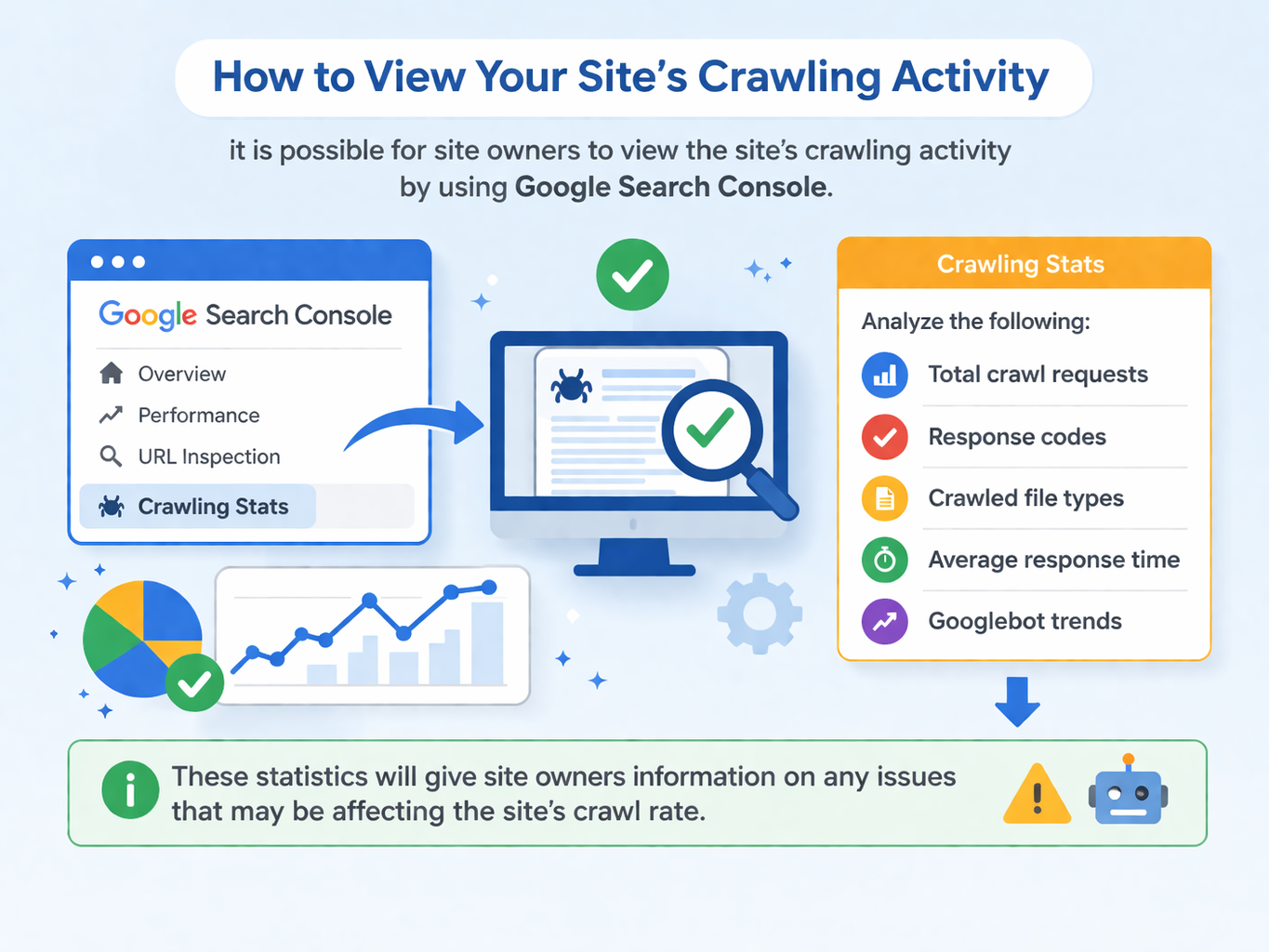
It is possible for site owners to view the site’s crawling activity by using Google Search Console.
Under the Crawling Stats section, site owners can also analyze the following:
- Total crawl requests
- Response codes
- Crawled file types
- Average response time
- Googlebot trends
These statistics will give site owners information on any issues that may be affecting the site’s crawl rate.
How to Optimize Your Website for Better Crawling
Optimizing your website for better crawling will ensure that important pages on your website get crawled in no time. Below are several ways to do so.
1. Improve Site Speed
A fast website will allow Google bot to crawl more pages within a given time frame. To do this:
- Image compression
- Using efficient hosting
- Browser caching
- Using content delivery networks
A fast website will improve user experience and increase crawl efficiency.
2. Maintain a Clean Site Structure
A clean site structure will ensure that Google bot crawls your website with ease. To do so:
- Logical category hierarchy
- Category navigation menus
- Using internal linking
The fewer clicks required to reach a given page on your website, the better for Google bot to find it.
3. Use an XML Sitemap
Using an XML sitemap will ensure that Google understands what to crawl and what to index. Sitemaps are very useful for:
- Large websites
- Newly launched websites
- Websites with complex site structure
This will ensure that Google bot knows about the important pages on your website.
4. Fix Crawl Errors
Crawl errors will reduce crawl efficiency and may result in important pages on your website not being crawled. To do so:
- 404 error
- 500 error
- Redirect loops
This will ensure a healthy website
5. Optimize Internal Linking
Internal linking helps Googlebot crawl your site.
Some of the internal linking best practices are:
- Linking to important pages
- Using descriptive anchor text
- Avoiding the existence of orphan pages
By implementing these best practices, you can ensure that your important pages are crawled frequently.
6. Control Crawling with Robots.txt
Robots.txt allows the site owner to control the pages that are not to be crawled by the Google bot.
Some of the pages that are not to be crawled are:
- Admin pages
- Login pages
- Filter pages
- Duplicate pages
By controlling the pages that are not to be crawled, the Google bot can be directed to crawl the most important pages on the site.
7. Remove Low-Value Pages
Some of the pages on the site may be of no use, and these pages are known as low-value pages.
Some of the pages that are considered to be of no value are:
- Thin pages
- Duplicate pages
- Outdated pages
Crawl Budget vs Crawl Limits: What’s the Difference?
SEO experts use the term ‘crawl budget’ while talking about ‘crawl limits.’ But both these terms are not exactly the same.
Crawl Limit:
The technical limits set by Google to determine how fast a particular website is crawled by Googlebot.
Crawl Budget:
The total number of pages that Googlebot is willing and able to crawl in a particular time period.
If you optimize your website on these two factors, you are sure to improve your ranking on the search engine.
What Google Recently Revealed About Crawl Limits
Google has revealed a few things about ‘crawl limits.’ The following are the important points about ‘crawl limits’ based on the details revealed by Google:
- The speed of the server on which a particular website is createddetermineshow fast a particular website is crawled by Googlebot.
- The importance of the content on a particular websitedetermineshow much a particular website is crawled by Googlebot.
- Crawl limits have no effect on small websites.
- Optimizingtechnical SEO improves crawling.
When Crawl Limits Become a Real SEO Problem
What are Crawl Limits?
Crawl limits affect mostly:
- Large eCommerce websites
- News platforms
- Websites with millions of pages
- Platforms with dynamic URLs
Future of Crawling in SEO
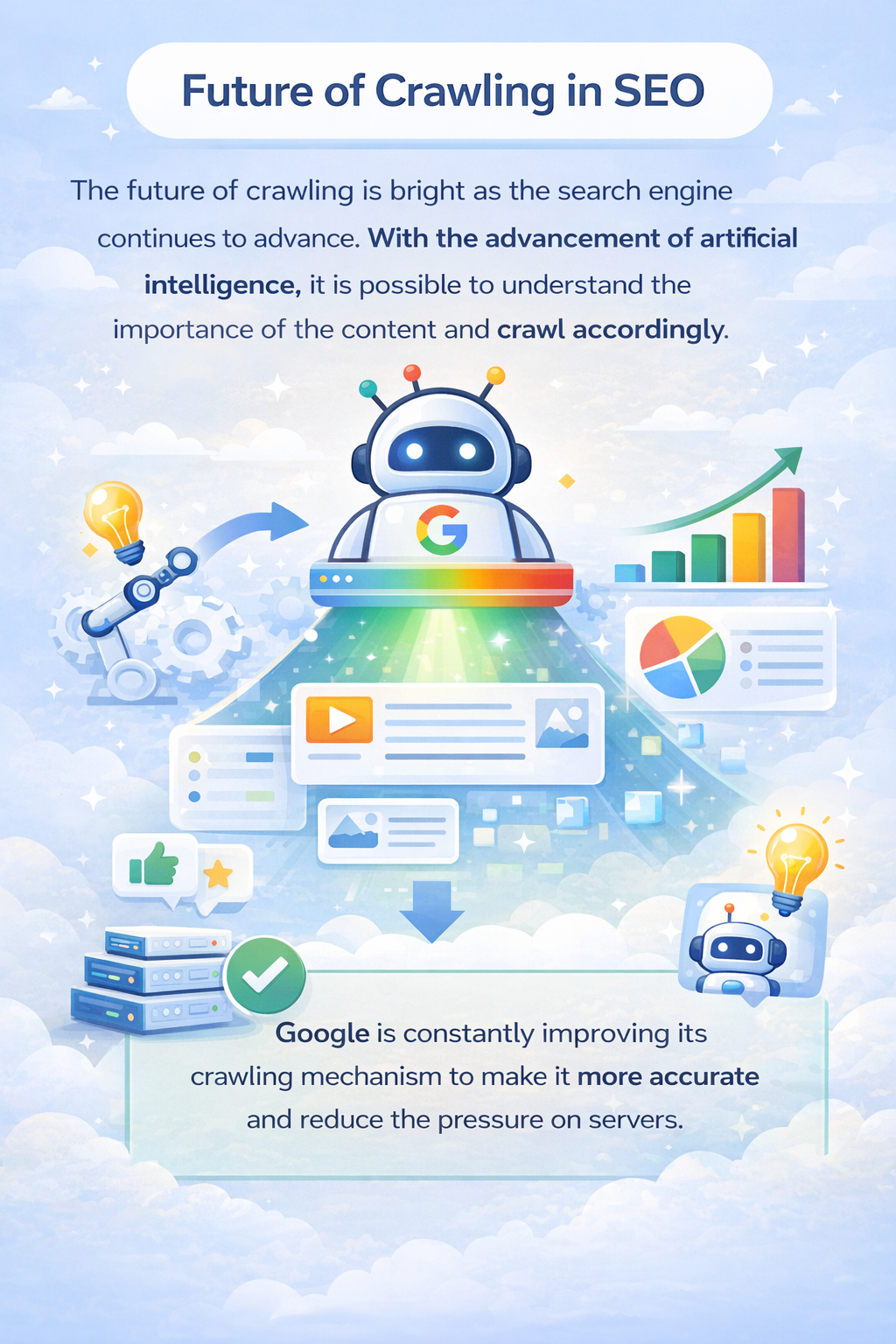
The future of crawling is bright as the search engine continues to advance. With the advancement of artificial intelligence, it is possible to understand the importance of the content and crawl accordingly.
Google is constantly improving its crawling mechanism to make it more accurate and reduce the pressure on servers.
Concluding Remarks
To be successful with current SEO, it’s important to know how much Googlebot can crawl from your website. Many smaller sites will not run into limitations on crawls, but if you have a larger site, you need to carefully monitor and manage the way that your crawl resources are used so that your most important pages get crawled more quickly.
Improving the performance of your servers, maintaining a good structure on your website, fixing crawl issues and optimising your internal links can all contribute to an increase in crawling efficiency.
As Google is providing more and more information about their crawling program, SEO specialists can use this data to build better performing sites and achieve higher Serp rankings in search.
By investing in technical SEO and crawl optimisation now, you will be able to keep your content visible and competitive for the future.
Most Commonly Asked Questions (FAQs) on Googlebot Crawl Limitations
1) What are crawl limitations of Googlebot?
2) How do crawl limitations differ from crawl budgets?
3) What determines the crawl rate of Googlebot?
4) Should a small business worry about crawl limitations?
5. How do I track Googlebot crawling activity?
6. What could result in wasted crawl budget?
7. How to improve Googlebot's effectiveness when crawling?
8. Does adding updated content increase crawled demand?
9. How do internal linking assist with crawling?
10. Do crawl limits affect rankings on search engines?
Want expert SEO strategies to increase website traffic?
Get professional help from an experienced team to achieve better visibility with search engine results.
✔ Implementing Proper SEO Techniques
✔ Using Crawl Budgets Effectively
✔ Conducting Advanced Keyword Research
✔ Creating High Quality Content
✔ Implementing Performance Improvements to Your Site
Start optimizing your site now and see powerful SEO results in terms of increased visibility on Google & higher rankings!

Manisha Sharma is an experienced content writer with over 1-2 years of expertise in crafting engaging, SEO-driven, and audience-focused content. Passionate about storytelling and travel, combines her love for exploring new places with her writing skills to create authentic and relatable narratives. From travel blogs to brand content, Manisha Sharma specializes in producing compelling copy that connects with readers and enhances brand presence across digital platforms.